


Anthill Blog
Actionable Insights to Accelerate Growth
Actionable Insights to Accelerate Growth
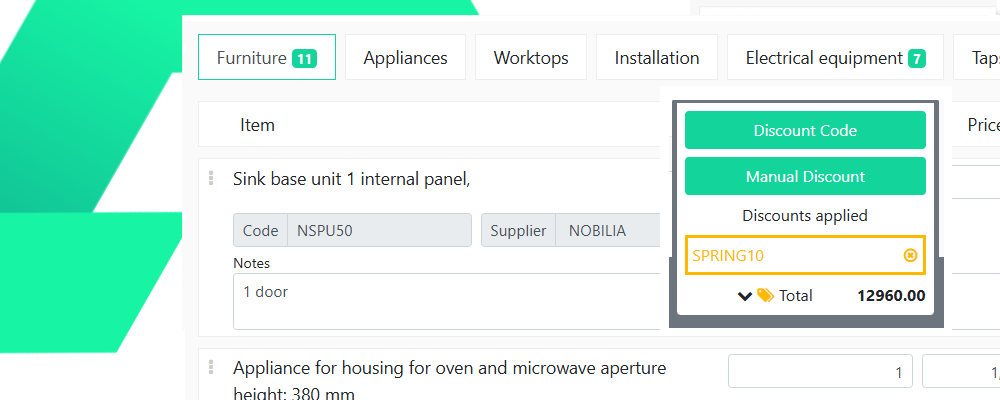
Welcome to the Anthill Guide on discount code management. If you have the appropriate admin permissions, you will see the ‘Admin’ link in the top-right of your screen in Anthill. Clicking this will present you with the admin options that are available to you. Please speak to your CSM if you have questions about access. […]

Welcome to the Anthill Guide on attachment management. If you have the appropriate admin permissions, you will see the ‘Admin’ link in the top-right of your screen in Anthill. Clicking this will present you with the admin options that are available to you. Please speak to your CSM if you have questions about access. Overview […]

Welcome to the Anthill Guide on managing appointments. If you have the appropriate admin permissions, you will see the ‘Admin’ link in the top-right of your screen in Anthill. Clicking this will present you with the admin options that are available to you. Please speak to your CSM if you have questions about access. Overview Appointments […]

Welcome to the Anthill Guide on list management. If you have the appropriate admin permissions, you will see the ‘Admin’ link in the top-right of your screen in Anthill. Clicking this will present you with the admin options that are available to you. Please speak to your CSM if you have questions about access. Overview Many […]
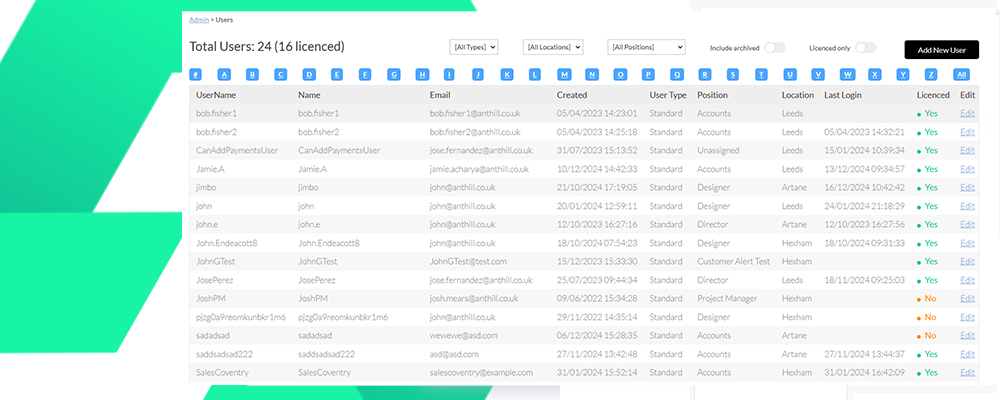
Welcome to the Anthill Guide on user management. If you have the appropriate admin permissions, you will see the ‘Admin’ link in the top-right of your screen in Anthill. Clicking this will present you with the admin options that are available to you. Please speak to your CSM if you have questions about access. Creating a […]
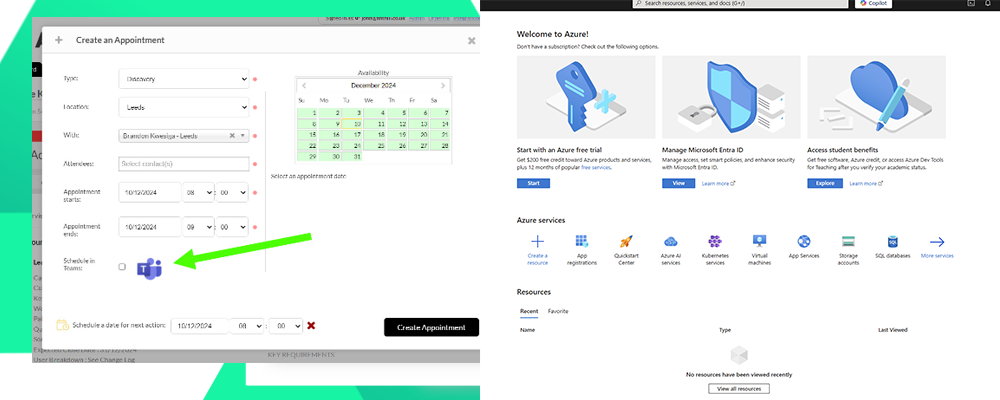
The Anthill Microsoft Teams integration is a company level integration. The following setup guide is to be completed by the team responsible for your Office 365 environment. Once the setup has been completed it will be active for all users that are matched by email address. Step 1- Visit the Azure Portal https://portal.azure.com Step 2 […]

Welcome to the Anthill Guide for using workflows! The following document will introduce you to the basics of the Anthill workflow system and explore getting started, logging progress and keeping track of activities. Workflow is at the heart of the Anthill platform. It allows you to define every customer process and monitor performance, giving you more […]

Welcome to the Anthill Guide for navigating your Anthill account! The following document will introduce you to the Anthill platform and outline the basics of using your account. We shall also explain how to navigate to the key areas of your dashboard. Your Anthill Dashboard When you log in to your Anthill account, the first screen […]

Welcome to the Anthill Guide on accessing your account! The following document will outline the steps needed to enter your Anthill system. This includes inputting login details, resetting your password and adding a bookmarking to quickly navigate back to your system. For the best experience with Anthill, make sure to use the most up to date […]

Welcome to the Anthill Guide on how to use Winner Flex and Anthill! After you have connected Anthill with Winner Design, you will be able to sync your Winner Flex projects with Anthill. Winner Flex Menu From the Action menu in the lead page, choose Winner Flex. 1. Create New Project This will create a […]