


Anthill Blog
Actionable Insights to Accelerate Growth
Actionable Insights to Accelerate Growth

Providing an outstanding installation and aftercare service is a critical part of your customer process. Alongside effective remedial management, excellence beyond the sale can be as important in driving revenue as providing a premium product outright. “Your installation and aftercare experience needs to be as good as, if not better than, every stage of the […]
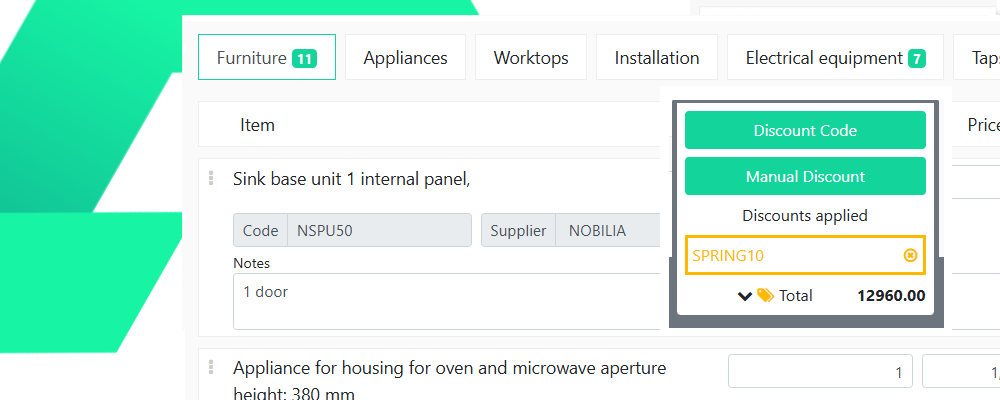
Welcome to the Anthill Guide on discount code management. If you have the appropriate admin permissions, you will see the ‘Admin’ link in the top-right of your screen in Anthill. Clicking this will present you with the admin options that are available to you. Please speak to your CSM if you have questions about access. […]

Welcome to the Anthill Guide on attachment management. If you have the appropriate admin permissions, you will see the ‘Admin’ link in the top-right of your screen in Anthill. Clicking this will present you with the admin options that are available to you. Please speak to your CSM if you have questions about access. Overview […]
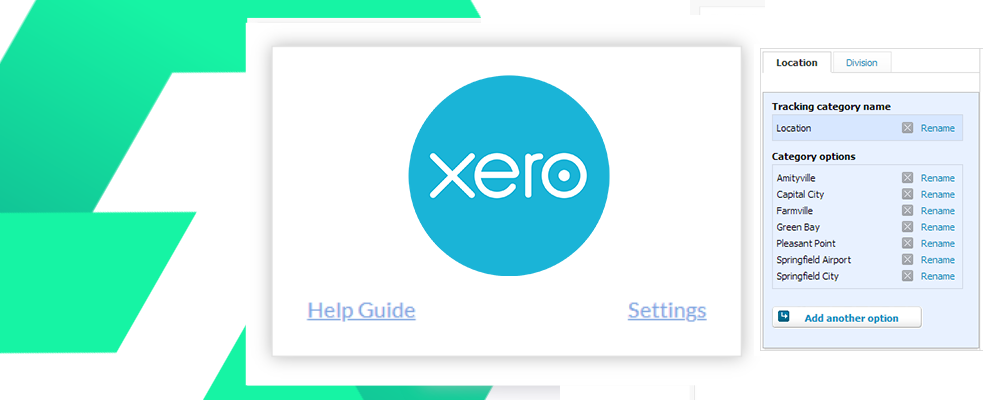
Welcome to the Anthill guide on using Xero tracking groups with Anthill. Overview Xero tracking groups provide a way to analyse financial activity in Xero against different areas of your business, such as showroom, region or sales person. How does it work Once setup, Anthill will automatically tag customer and supplier invoices with the dynamic value […]

Welcome to the Anthill Guide on managing appointments. If you have the appropriate admin permissions, you will see the ‘Admin’ link in the top-right of your screen in Anthill. Clicking this will present you with the admin options that are available to you. Please speak to your CSM if you have questions about access. Overview Appointments […]

Welcome to the Anthill Guide on list management. If you have the appropriate admin permissions, you will see the ‘Admin’ link in the top-right of your screen in Anthill. Clicking this will present you with the admin options that are available to you. Please speak to your CSM if you have questions about access. Overview Many […]
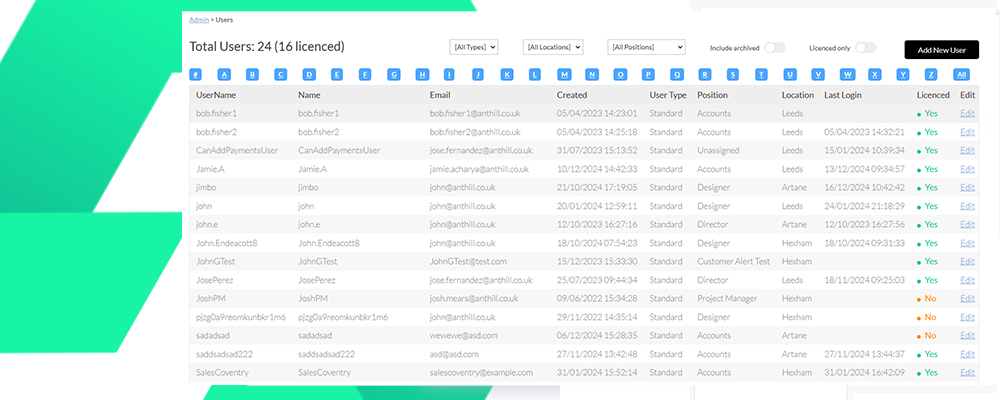
Welcome to the Anthill Guide on user management. If you have the appropriate admin permissions, you will see the ‘Admin’ link in the top-right of your screen in Anthill. Clicking this will present you with the admin options that are available to you. Please speak to your CSM if you have questions about access. Creating a […]
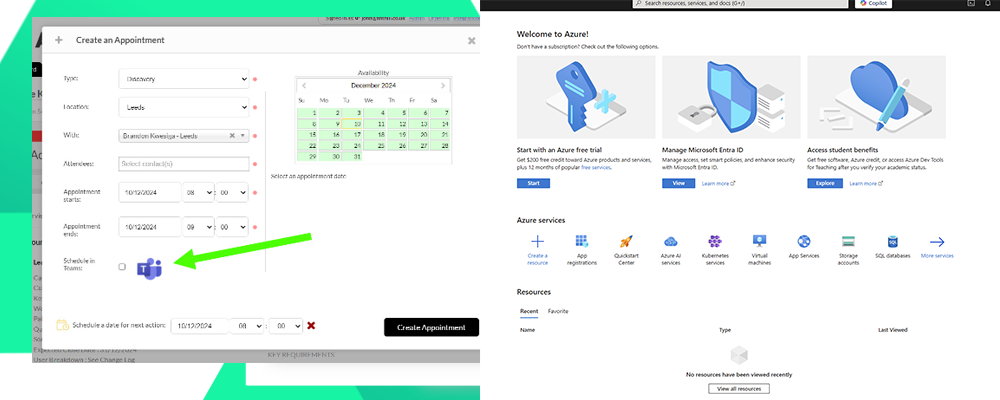
The Anthill Microsoft Outlook and Teams integration is a company level integration. The following setup guide is to be completed by the team responsible for your Office 365 environment. Once the setup has been completed it will be active for all users that are matched by email address. Step 1- Visit the Azure Portal https://portal.azure.com […]
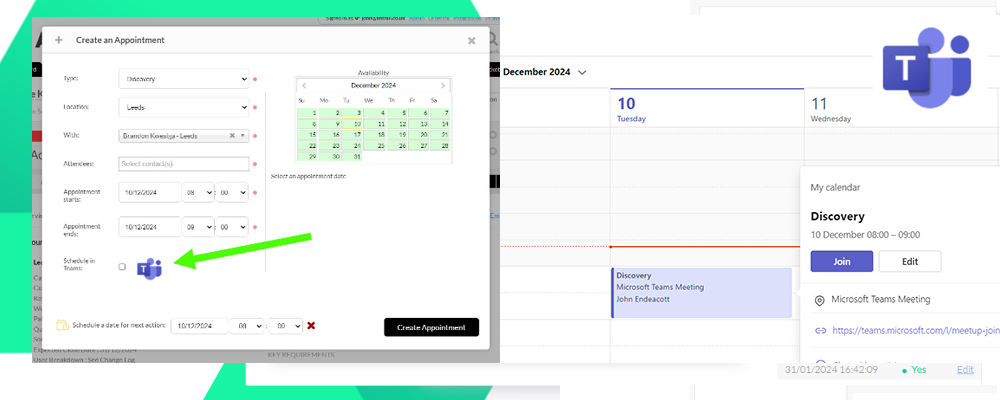
We all love a screen share, but setting up the links and access can be a pain! Now you can combine Anthill & Teams, to make everything a whole lot easier! How does it work Users simply tick the teams tick box in the book appointment window and Anthill sends the appointment into your Teams […]

The following post documents the latest Product Release and Updates to the Anthill software platform. Microsoft Teams Integration – NEW Creating appointments in Anthill can automatically push into your Office 365 and Teams Calendar with the meeting link already included. The appointment will also appear in the Calendar for your customers – nice! click here […]